
How to pay with BuzzPay
BuzzPay is designed to keep parking simple. When you see BuzzPay signs in a car park, you can pay from your own phone in just a few steps.
Paying for parking
When you’re ready to pay:
- Look for the BuzzPay location code on the sign in the car park.
- Go to www.buzzpay.co.uk in your browser.
- Enter the location code and confirm the car park name.
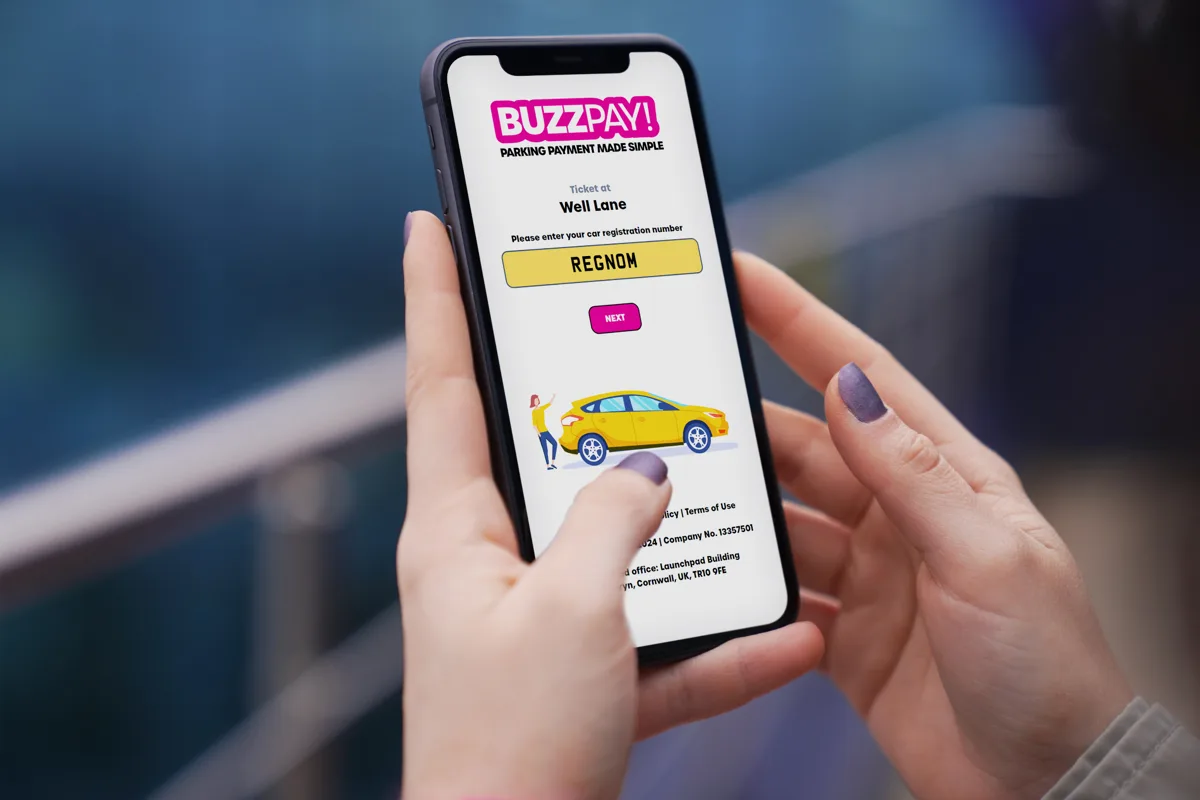
- Enter your vehicle registration and check it carefully.
- Choose how long you’d like to stay, then enter your email address.
- Check the summary and confirm your payment.
What you’ll see
You’ll see a clear breakdown of your parking session, including location, duration, cost and your vehicle registration, before you confirm payment.
Extending your stay
If your plans change and you need more time, you don’t have to return to the car park. Open your original receipt email and follow the link to extend before your session expires, where permitted. Follow the maximum-stay and other restrictions on the signs.
Where available, you’ll be able to:
- Add extra time to your existing parking session.
- See when your new end time will be.
- Receive an updated email receipt for your records.
Your email receipt
After you pay, you’ll receive an email confirming your session. Check your inbox and junk folder for your receipt. It includes:
- The car park name and location code.
- Your vehicle registration.
- Start and end time of your stay.
- The amount paid and any fees.
Using receipts for expenses
Keep the email as a record of your payment. For VAT receipt information, see the VAT receipt FAQ.
Payment security
All payments made through BuzzPay are encrypted and processed over HTTPS by our trusted payment providers. BuzzPay does not store full card details – they are handled securely by the payment system.
Check that the connection uses HTTPS and the hostname is exactly www.buzzpay.co.uk or m.buzzpay.co.uk. A padlock or secure-connection icon alone does not prove a website is genuine. If unsure, type www.buzzpay.co.uk directly into your browser.
Need help with a payment?
For a missing receipt, incorrect registration or payment query, contact BuzzPay support. Include the car park, registration and approximate payment time, but do not send card details.
The support portal is our main route for help and accepts requests 24 hours a day. Telephone support is available during working hours.
If you cannot connect, follow the alternative payment instructions on the signs. Poor signal does not change the car park’s payment requirements.
Common questions
We’ve put together a set of frequently asked questions that cover topics such as entering the wrong number plate, extending your stay and how parking enforcement checks valid sessions.